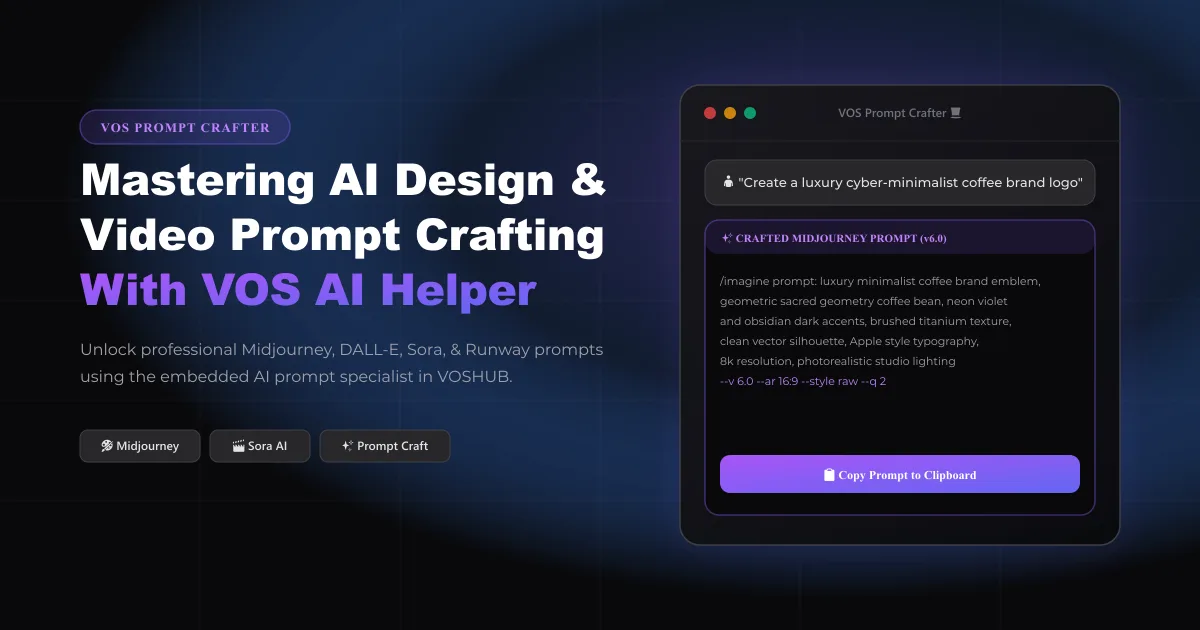
Mastering AI Design & Video Prompts with VOS Helper in 2026
Generative AI has fundamentally transformed creative workflows. However, achieving high-end commercial results in tools like Midjourney v6.0, DALL-E 3, Sora, FLUX, and Runway Gen-3 requires master-level prompt engineering.
To solve this challenge, VOSHUB introduces an embedded dual-mode intelligence: VOS AI Assistant and VOS Prompt Crafter 🎩✨.
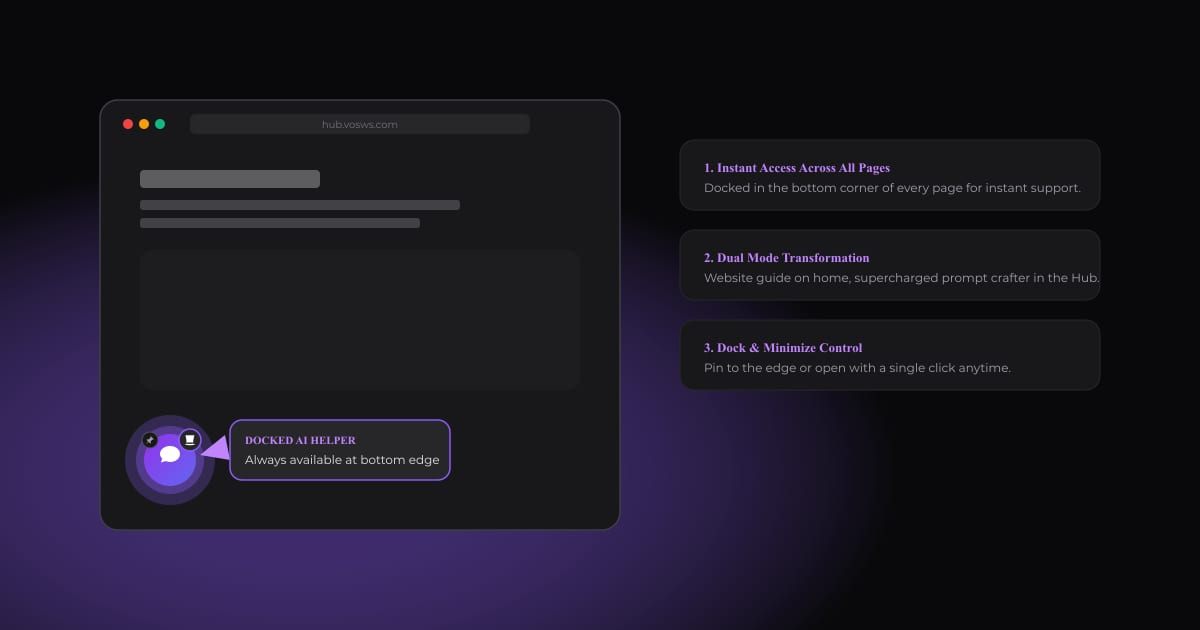
11. Where to Find VOS AI Helper (The Docked Button)
No matter where you are browsing on VOSHUB, VOS is always right at your fingertips:
- ✓Floating Action Button (FAB): Located in the bottom corner of your screen (bottom-left in English, bottom-right in Arabic).
- ✓Glowing Pulse Ring: Indicates the assistant is online and ready.
- ✓Shifting Emoji Badge: Cycles through creative icons (✨, 🎩, 🎨, 🚀).
- ✓Dock & Minimize Pin: Click the pin icon to dock VOS neatly to the side edge of your screen without losing context.
---
22. The Dual Transformation: Meet VOS Prompt Crafter
VOS adapts its intelligence depending on where you are in the application:
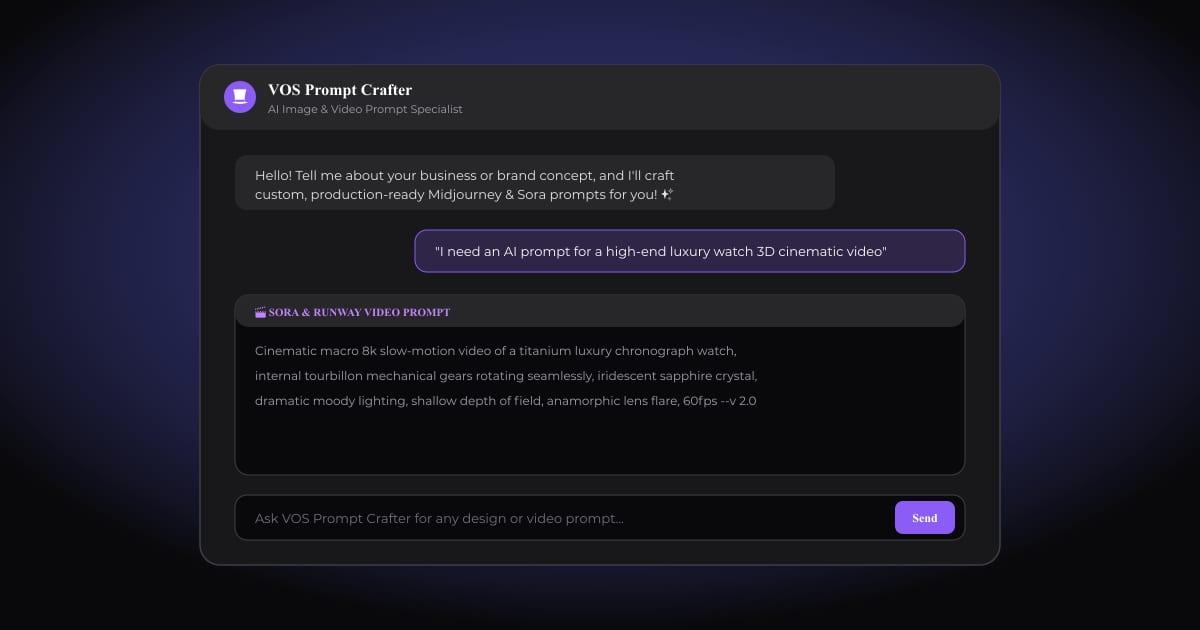
1. Website & Platform Guide (on Landing Pages): Answers questions about VOSHUB tools, brand generators, pricing plans, and directs you to features. 2. VOS Prompt Crafter 🎩✨ (in the Hub & Brand Studio): When you enter the Hub or any Brand Studio page, VOS automatically transforms into VOS Prompt Crafter — your dedicated prompt specialist. You describe a business concept, and VOS generates production-ready image and video prompts structured inside clean, copyable markdown code blocks.
---
33. Crafting Production-Ready Prompts for Midjourney, DALL-E & Sora
VOS formats every prompt with precise visual parameters (aspect ratios, lighting conditions, rendering engines, and camera angles).
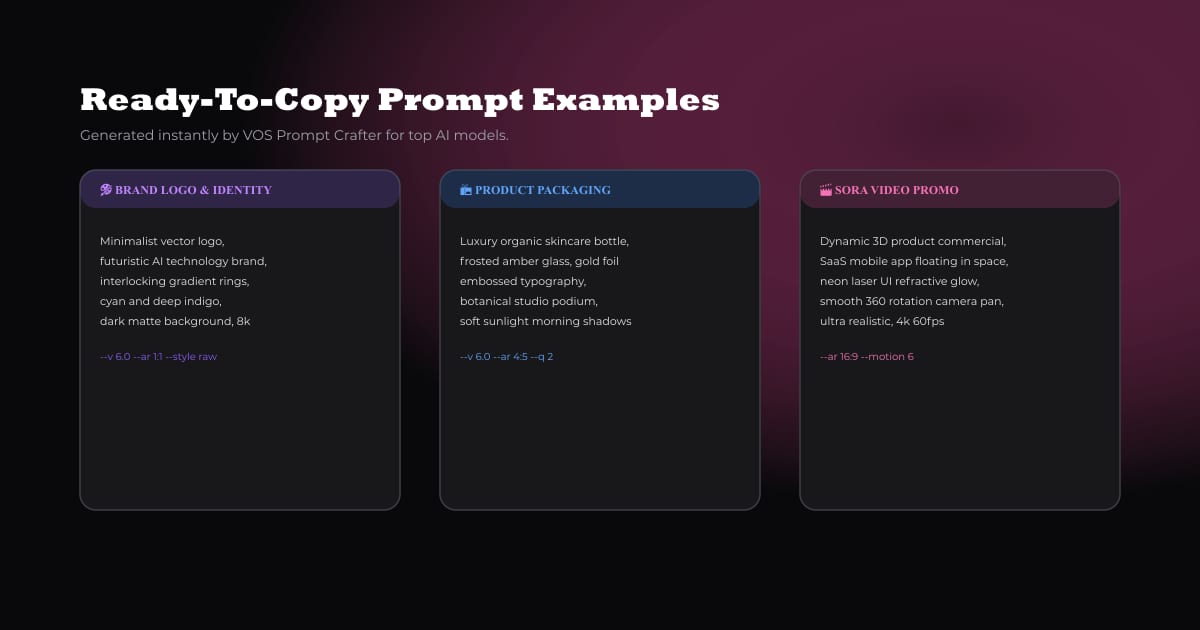
Example 1: Futuristic Brand Emblem (Midjourney v6.0)
``
/imagine prompt: luxury minimalist geometric coffee bean emblem, cyber-obsidian with neon violet accents, brushed titanium texture, vector silhouette, Apple style typography, 8k resolution, photorealistic studio lighting --v 6.0 --ar 16:9 --style raw --q 2
``
Example 2: Cinematic 3D Commercial (Sora & Runway Video)
``
Cinematic macro 8k slow-motion video of a titanium luxury chronograph watch, internal tourbillon mechanical gears rotating seamlessly, iridescent sapphire crystal, dramatic moody lighting, shallow depth of field, anamorphic lens flare, 60fps --v 2.0
``
Example 3: Organic Product Packaging (DALL-E 3 / FLUX)
``
High-end luxury organic skincare glass dropper bottle, frosted amber glass, embossed gold foil typography, placed on a beige travertine stone podium with soft botanical shadows, editorial commercial photography --ar 4:5
``
---
44. Pro Prompt Engineering Tips for Consistent Branding
When asking VOS Prompt Crafter for visual assets:
- ✓Specify the Color Tokens: Feed your VOSHUB color palette hex codes (e.g. #8b5cf6 neon violet and #09090b obsidian) directly into your query.
- ✓Declare the Medium: Mention whether you need a vector icon, photorealistic 3D product render, or a cinematic 60fps video.
- ✓Refine Interactively: You can reply to VOS with "Make it darker with more contrast" or "Add metallic accents" to iterate on the fly.
5Conclusion
With VOS AI Assistant and VOS Prompt Crafter, you never have to start from a blank prompt box again. Open the docked button at the bottom corner of your screen right now and craft your next brand masterpiece!